Oreon AI Features
Turn Every Video into Weeks of Content
Upload a video or paste a YouTube link, and Oreon automatically finds the best moments, creates short clips, reframes them for every platform, adds captions, and prepares them for publishing. When you’re ready, let Oreon Autopilot schedule and publish everything automatically.






Set it once. Forget it forever.
Try Oreon today
See how Oreon AI completely automates your social media.

1. Auto-detect
Oreon continuously monitors your YouTube channel for new uploads. The moment a new video is published, Autopilot gets to work.
2. Auto Clip & Edit
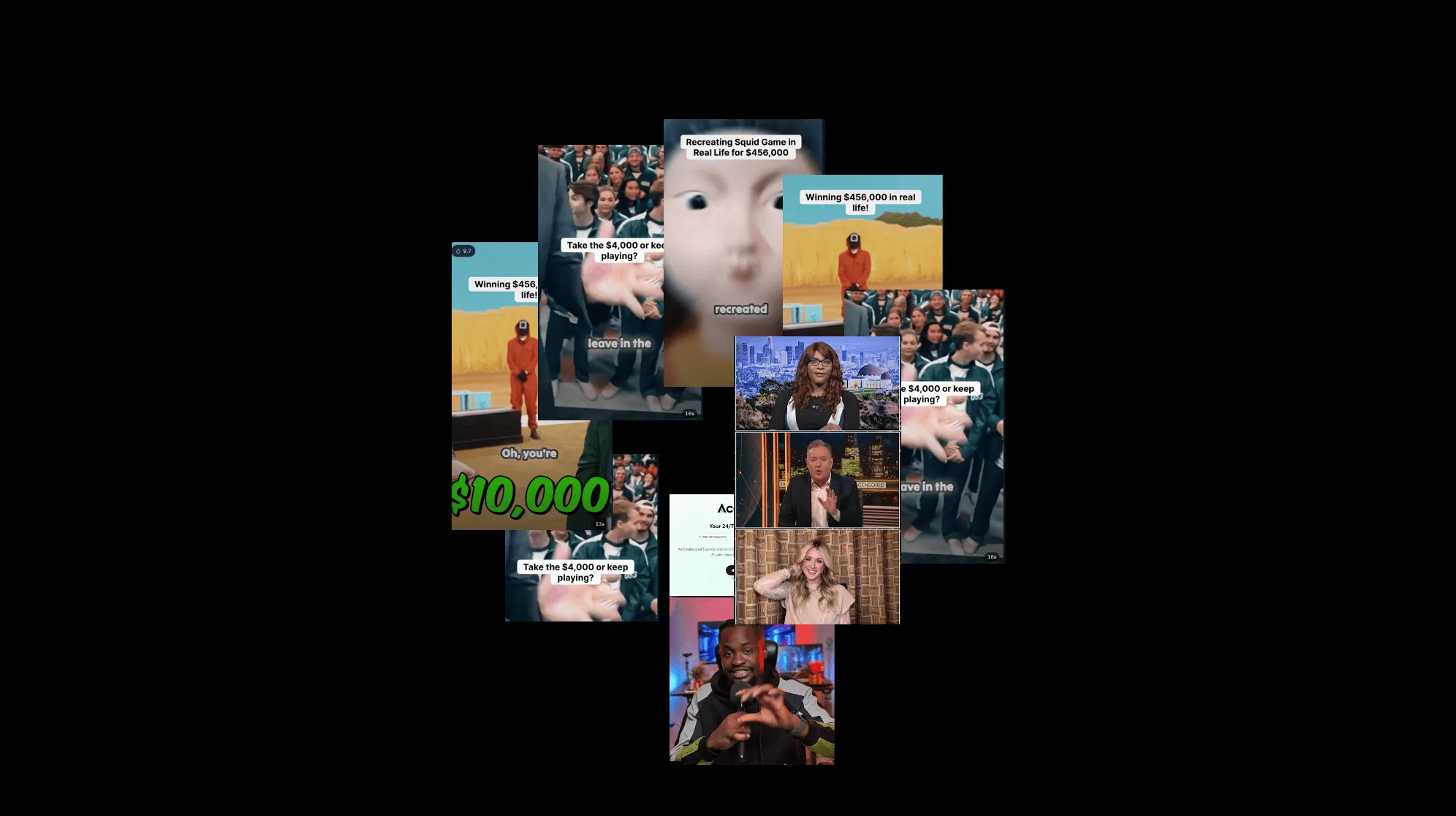
Oreon automatically creates short clips from every new video. It adds captions, reframes them for social media, and prepares them for posting.
3. Auto Schedule & Post
Oreon then schedules and posts the clips automatically. Separated by hours or days, you decide beforehand.

Built for Creators

Connect all social platforms

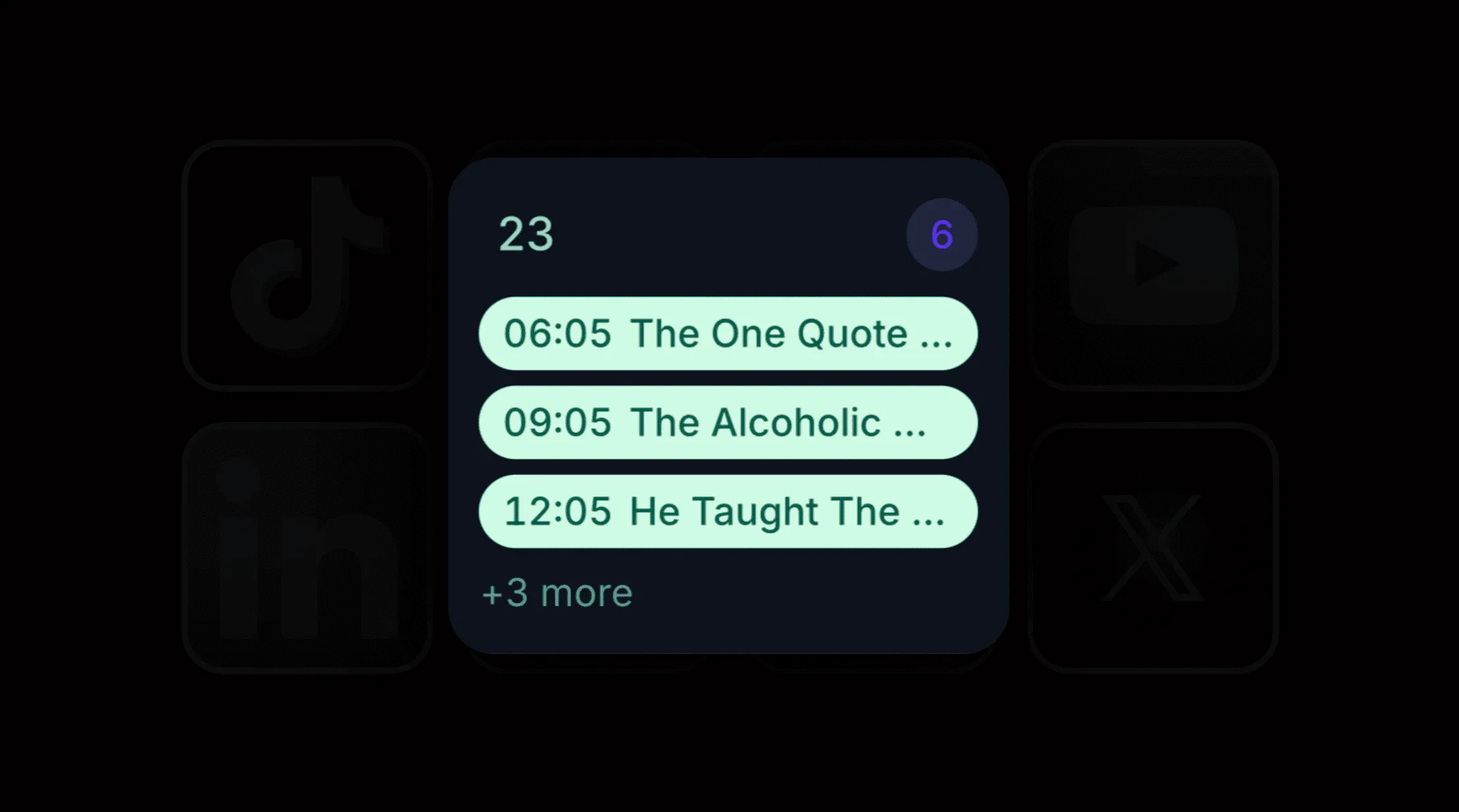
Schedule & auto post
Choose the exact day and time you want your videos to be published.

Skip night hours
Toggle to stop posting when your audience is asleep to save views for the daytime.

Bulk upload

Auto-Spacing

Auto-post
Turn this on to let Oreon publish your clips completely on its own.
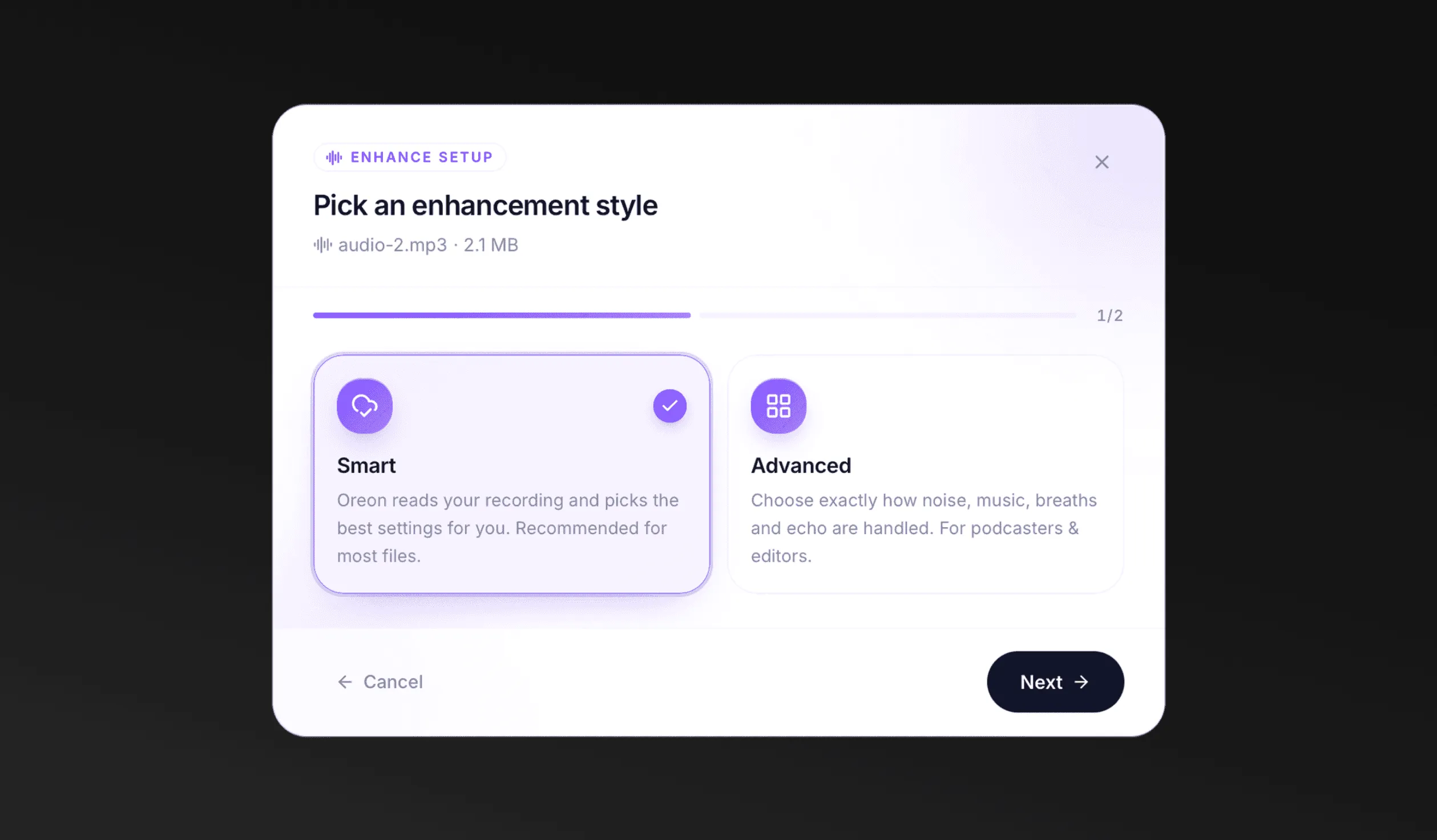
Smart or Advanced
Let Oreon automatically analyise and optimise your audio with Smart mode, or take full control with Advanced mode.
Background Sound
Choose whether to remove all background audio, keep music, or preserve both music and sound effects.

Voice Enhancement
Balance volume, improve voice clarity, reduce echo and remove unwanted breathing for studio-quality sound.

Oreon Profiles
Run Multiple Brands
Create a profile for every brand, client or project. Oreon keeps each one separated, independent and running automatically.

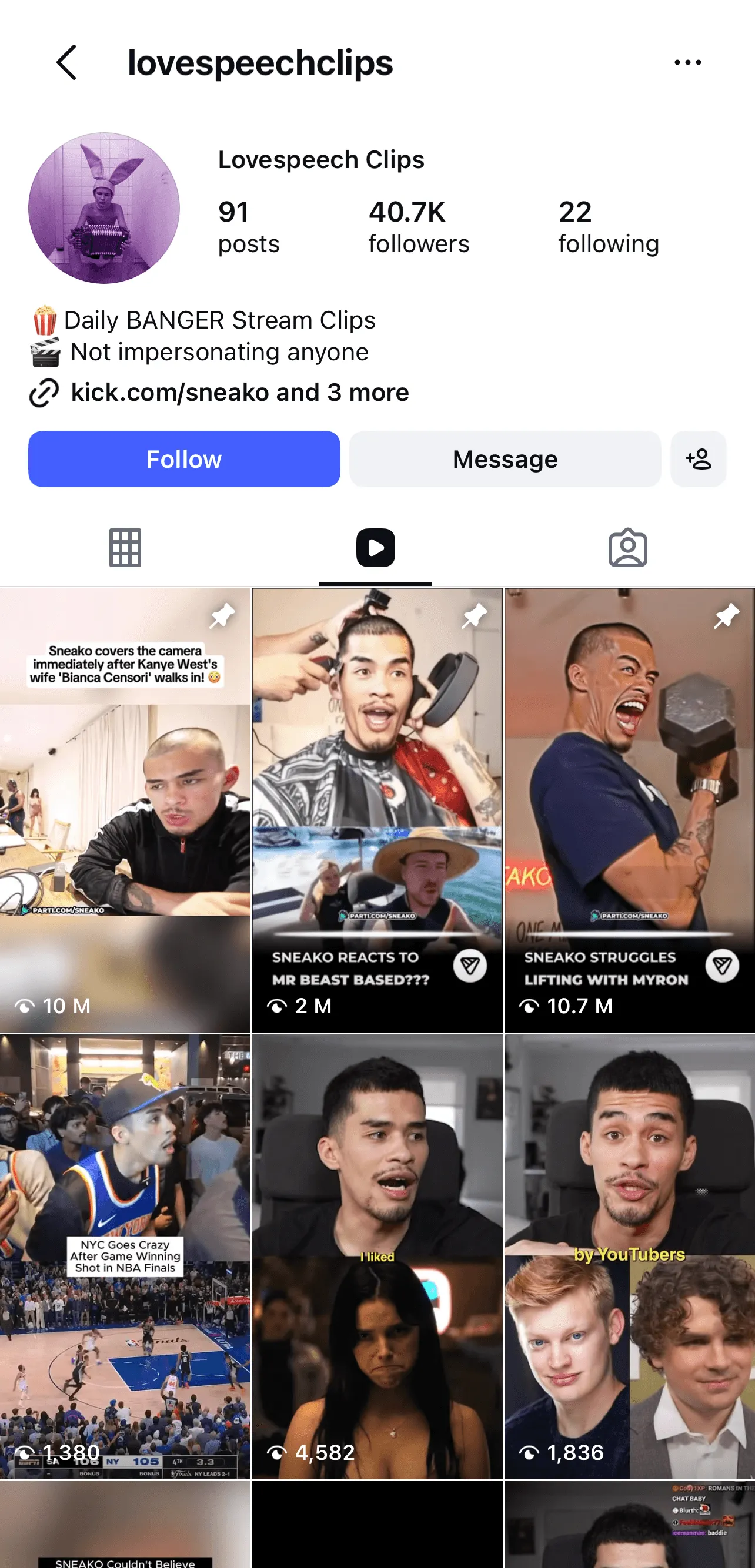
Scale Without the Work
Run hundreds of social media accounts from one Oreon account. Each profile works independently on Autopilot if enabled.